Installation and Operator Training of PhotoRobot Systems
Upon delivery of a brand new PhotoRobot system, our team of experienced technicians will install the solution and train operators to use it. That includes first ensuring the correct assembly of the system, and that it is functioning properly. In this way, teams can quickly unlock the full potential of PhotoRobot. The following documentation describes the stages of system installation, assembly and testing of machines and accessories, and the subsequent operator training. Find also information on follow-up care of PhotoRobot devices, and more on travel & accommodation costs for PhotoRobot specialists.

Note: To understand the prerequisites for system installation and training, refer to PhotoRobot Installation Readiness & Delivery.
PhotoRobot System Installation
The first stage of installing a new PhotoRobot system involves correctly assembling the machine and ensuring it is functioning properly.
Before this, a PhotoRobot sales team member will communicate the overall organization of the installation, its scope (appropriate to the number of delivered machines and the intended method of implementation), the terms, and the related costs.
Meanwhile, installation and training should be firmly planned only when there is no doubt about the date of delivery of the machines to the place of installation. For example, delays may occur due to customs procedures or other obstacles.
Assembly and Testing of Machines and Accessories
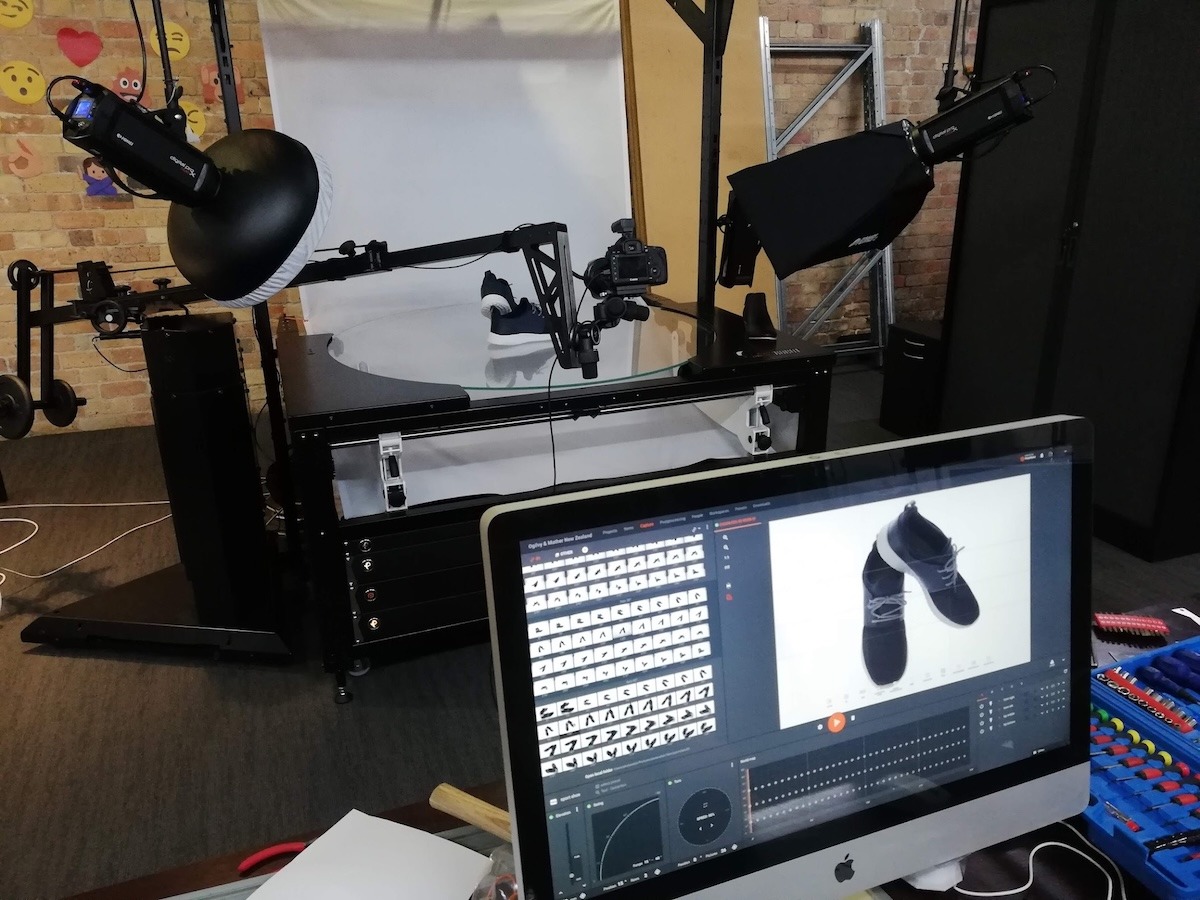
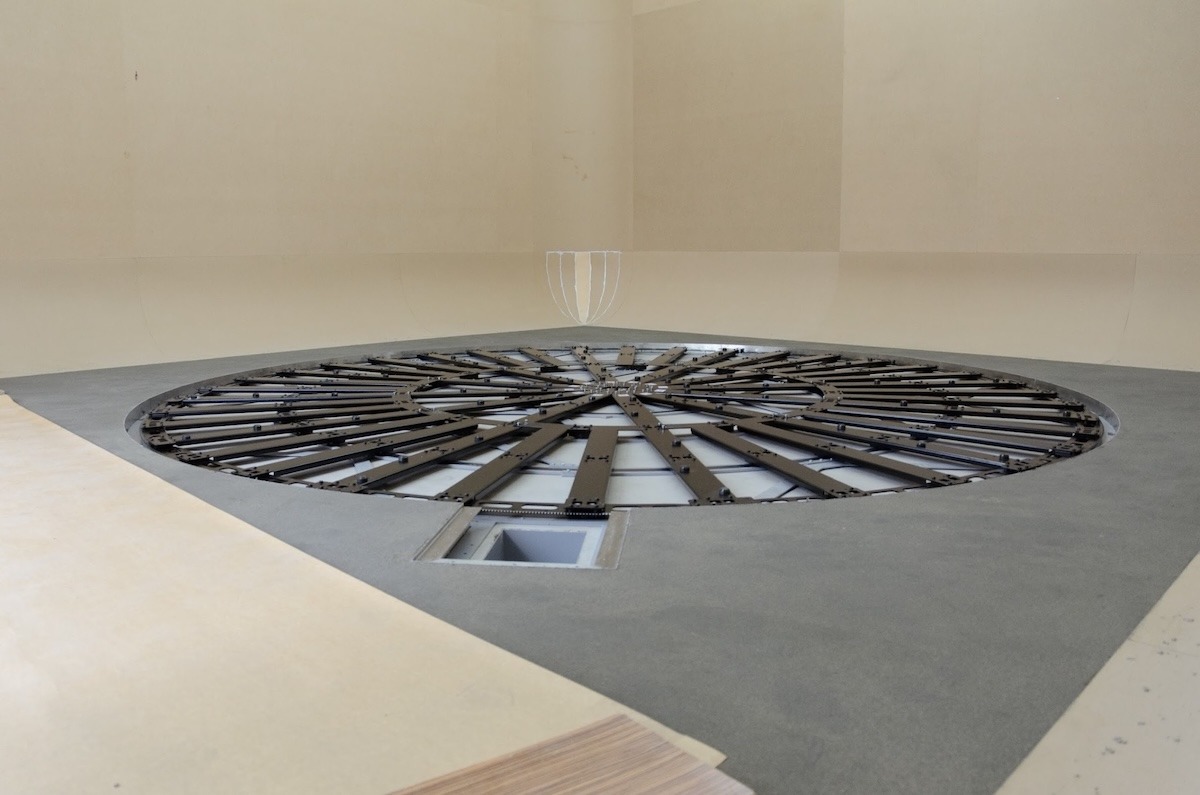
After delivery of a PhotoRobot system, the technicians will unpack the equipment, assemble it, and bring it to operating conditions. They will then demonstrate the functionality of the complete system to the customer.
Important: In order to assemble and test the device and accessories, one of the first stages of the installation process requires connecting the machines to the customer’s LAN. For this, network readiness is expected according to PhotoRobot Networking Prerequisites.
Note: PhotoRobot’s CASE 850 is designed to be shipped to the installation site by the carrier, while customers can assemble and set up the CASE independently using an extensive manual. However, such procedures cannot be recommended for more complex equipment.

Training for Operators
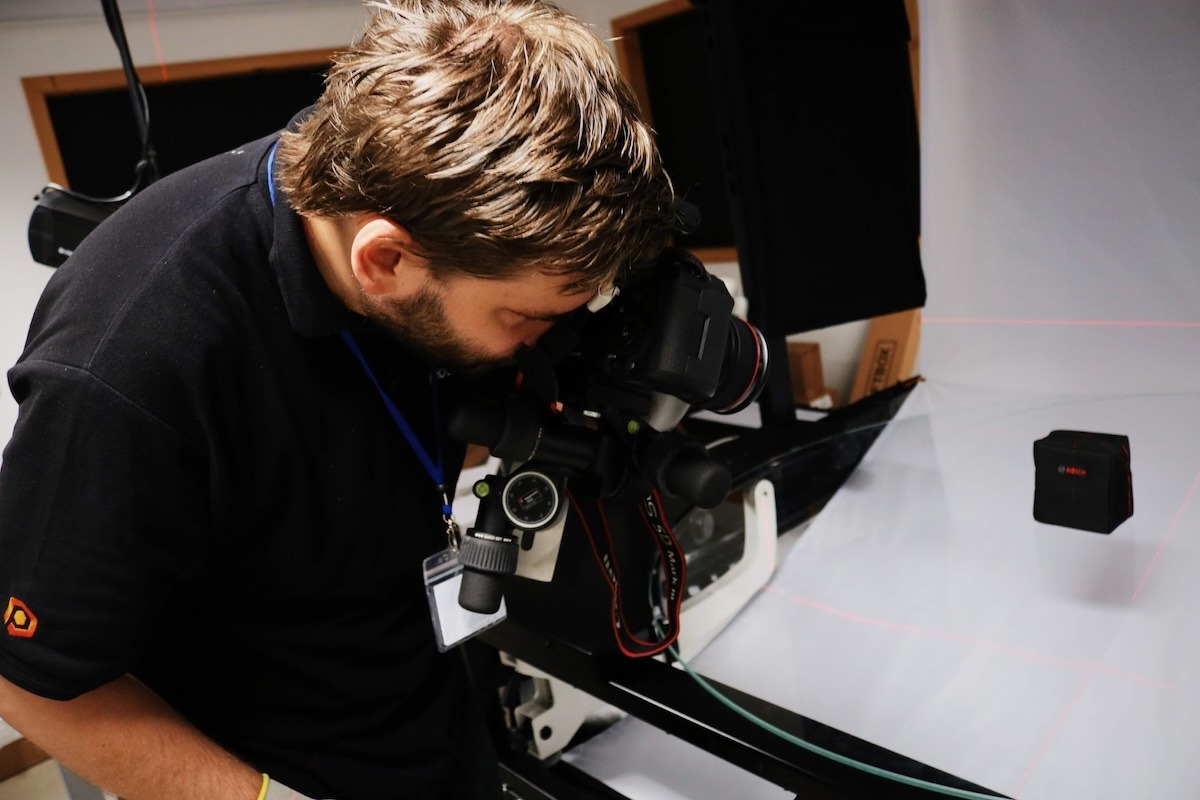
When installation is complete, we recommend training from our PhotoRobot photography and / or software development experts. The experts will share valuable insights and instructions to maximize the productivity of your PhotoRobot configuration, and to ensure frictionless onboarding for you and your colleagues.
This training should also focus on preparing presets for future automated photography.
Then, the training syllabus is adjustable to individual customer needs, and agreed on with your PhotoRobot representative. Although, for training periods shorter than the recommended duration, it is necessary to only cover some areas in brief, or to omit points completely. (At the very least, the operator must know how to start the system, and how to begin a photoshoot.)
Follow-Up Care
After the initial installation and operator training, the system is ready for use.
Typically, for larger projects, we recommend that you allow for a short period of time (several days) to realize maximum performance levels. It takes time for teams to master the system before they can deliver at 100% of the expected volume.
Additionally, expect minor technical complications in the first weeks of operation. The system consists of tens or hundreds of components, each of which will require fine-tuning and may take more time than scheduled for the installation.
Freshly trained operators may also occasionally need the assistance of PhotoRobot specialists to internalize optimal processes and ensure maximum productivity.
PhotoRobot provides a variety of support systems for similar situations, each tailorable to your unique and specific projects. Consult your PhotoRobot specialist for details to ensure that the whole process runs perfectly.

Travel & Accommodation Costs for PhotoRobot Specialists
Your PhotoRobot consultant will always discuss travel and accommodation costs for the PhotoRobot specialists. Be aware:
- Payment for the travel and accommodation costs for installation technicians and trainers is the responsibility of the customer, while costs vary depending on destination.
- If the destination is subject to visa requirements, PhotoRobot provides the visa for its staff, and invoices the proven costs to the customer.
- A flat-rate fee for the time the team spends in transit is charged to the customer, amounting to €40 / person / hour.
- There are charges of €80 / person / hour for installation of equipment, as well as software or photographic training.
- 1 installation day is typically 8 working hours, although shorter or longer times are possible and occur charges on a proportional basis.
By default, training is in English (or Czech). If necessary, we recommend securing an interpreter on the customer’s side. However, on prior agreement, an interpreter can be provided by PhotoRobot. If PhotoRobot provides the interpreter, the fees for the interpreter are the same as for technicians and trainers; the cost of the interpreter’s preparation is included in the fee.
Note: As pricing may differ, your PhotoRobot consultant will always discuss and confirm the final related costs for travel, accommodation, and training with you beforehand. Please refer to the quote directly from your PhotoRobot consultant for the actual costs.
Unlock Maximum Productivity for Your PhotoRobot
With PhotoRobot Support always available, we will ensure your hardware and software remain in perfect condition together. The support team exists to resolve any issues your operators encounter, with support pricing based either on your service agreement or hourly rates. To set up a support contract or request assistance, contact your PhotoRobot specialist.
The Canon EOS Rebel Series offers beginner-friendly DSLR cameras with solid image quality, intuitive controls, and versatile features. Ideal for photography enthusiasts, these cameras provide reliable autofocus, vari-angle touchscreens, and Full HD or 4K video recording.
Connection
Resolution (MP)
Resolution
The Canon EOS DSLR Series delivers high-quality images, fast autofocus, and versatility, making it ideal for both photography and video production.
Connection
Resolution (MP)
Resolution
The Canon EOS M Mirrorless Series combines compact design with DSLR-like performance. Featuring interchangeable lenses, fast autofocus, and high-quality image sensors, these cameras are great for travelers and content creators seeking portability without sacrificing image quality.
Connection
Resolution (MP)
Resolution
The Canon PowerShot Series offers compact, user-friendly cameras for casual shooters and enthusiasts. With models ranging from simple point-and-shoots to advanced zoom cameras, they provide convenience, solid image quality, and features like image stabilization and 4K video.
Connection
Resolution (MP)
Resolution
The Canon Close-Up & Handheld Cameras are designed for detailed, up-close photography and video. Compact and easy to use, they offer precision focus, high-resolution imaging, and versatile macro capabilities—perfect for vlogging, product photography, and creative close-ups.